
How To Update Your NIN Details Online: A Step-By-Step Guide
 Follow us on Google News
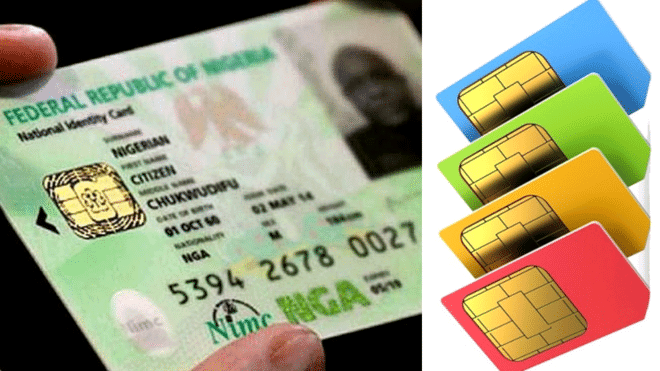
How To Update Your NIN Details Online: A Step-By-Step Guide
To address the challenges Nigerians face with identification verification, particularly the lengthy queues at National Identity Management Commission (NIMC) offices, the commission has introduced a more convenient method for updating National Identification Number (NIN) details. NIMC, which manages Nigeria’s national identity database, plays a crucial role in the identification process for millions of Nigerians…… CONTINUE READING
In response to the frustrations caused by physical visits to NIMC offices, the commission has launched a do-it-yourself (DIY) guide, enabling individuals to update their NIN details from home. This new procedure aims to simplify the process and alleviate the logistical challenges associated with in-person visits.
According to information from NIMC’s social media channels, the step-by-step guide allows Nigerians to update personal information such as name, address, and date of birth without visiting a physical office. This initiative is designed to save time and reduce the need for queuing at NIMC centers.
The NIN is essential for various administrative tasks, including accessing government services, opening bank accounts, and verifying identity. By offering this new option, NIMC hopes to decrease office congestion and improve the overall efficiency of the identity management process.
To use the new shortcode service for NIN modifications, ensure that your phone number is linked to your NIN registration. Note that modification requests will be subject to verification and approval by NIMC, and a fee may be charged.
Here’s a step-by-step guide to modifying your NIN using the shortcode:
1. **Dial the Short Code:** Dial *346# on your mobile phone.
2. **Select NIN Modification:** Choose the “NIN Modification” option from the menu.
3. **Enter NIN:** Input your 11-digit National Identification Number (NIN).
4. **Verify NIN:** Confirm that your NIN is correct and proceed.
5. **Select Modification Option:** Choose the detail you wish to update (e.g., name, date of birth, address).
6. **Enter New Details:** Input the new information you want to update.
7. **Confirm Changes:** Verify that the new details are correct.
8. **Receive Confirmation Code:** An SMS with a confirmation code will be sent to you.
9. **Confirm Modification:** Enter the confirmation code to finalize the modification.
10. **Receive Update Confirmation:** You will receive a message confirming that your NIN has been successfully updated.
For the latest updates and juicy gossip, dive into the Bushradiogist platform by clicking this link: Bushradio. For advert placement only, shoot a WhatsApp message to 0807 580 6790.







Comments
0 comments